Oct 17, 2026
We’re out of stealthTransitive automates your
fiscal compliance at freight pace.
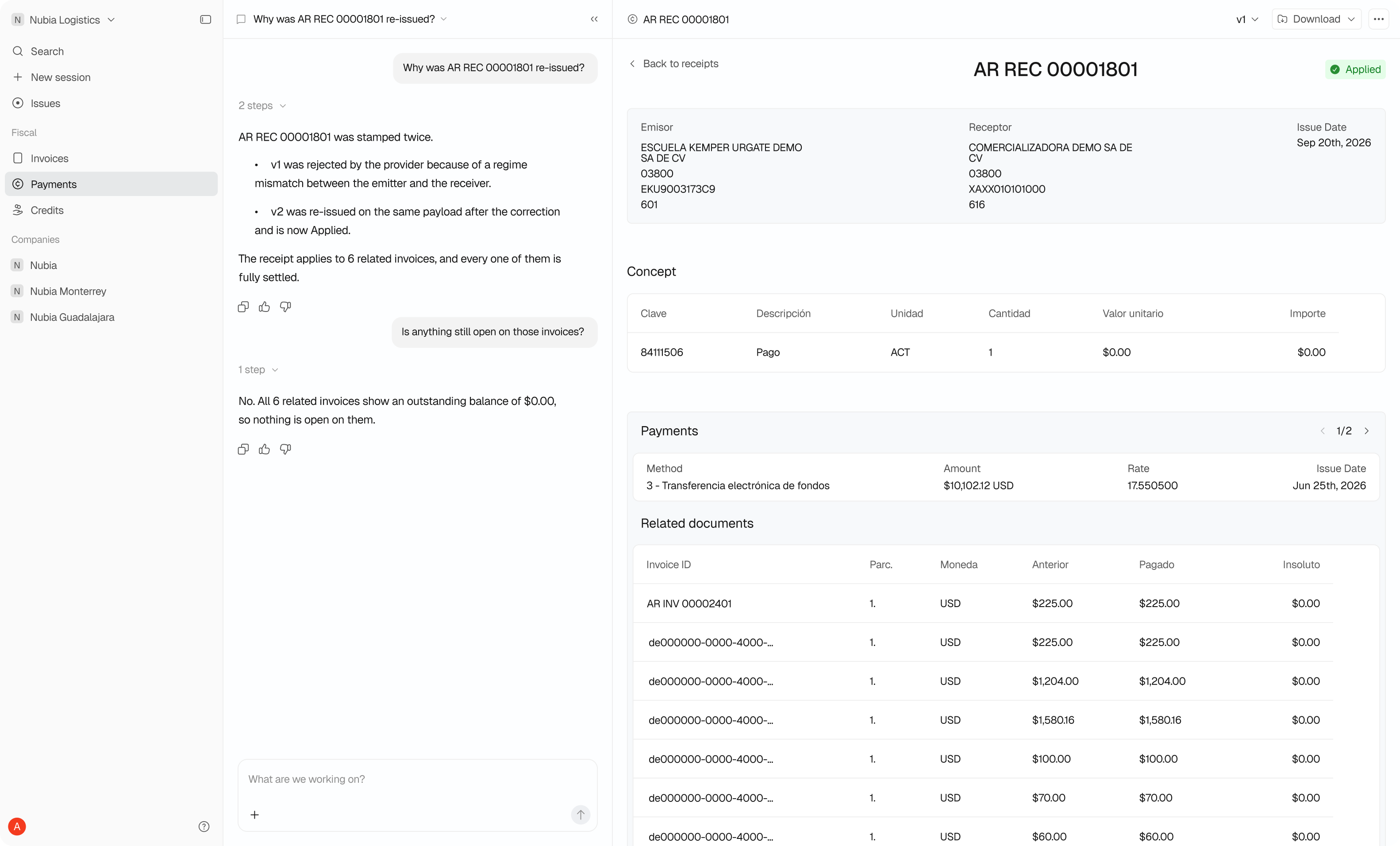
From CargoWise,
to the authority and back
Your team works in CargoWise. Transitive does the fiscal work. The PDF and the XML come back to the same document.
1. The Intake
Stay in CargoWise. eAdaptor Next sends each fiscal document to Transitive. Your team does not change the way it works.
2. The Check
Stamp only what needs a stamp. Transitive reads the data and the related documents. It decides if the document needs a CFDI. If a related document is missing, Transitive waits for it.
3. The Stamp
Get the legal stamp from the authority. Transitive sends the document to a certified provider. The provider stamps the CFDI and the authority records it.
4. The Return
Find the files where you work. Transitive sends the PDF and the XML to eDocs Manager. The files stay with the document in CargoWise.
START
00:00:000
END
00:00:000